
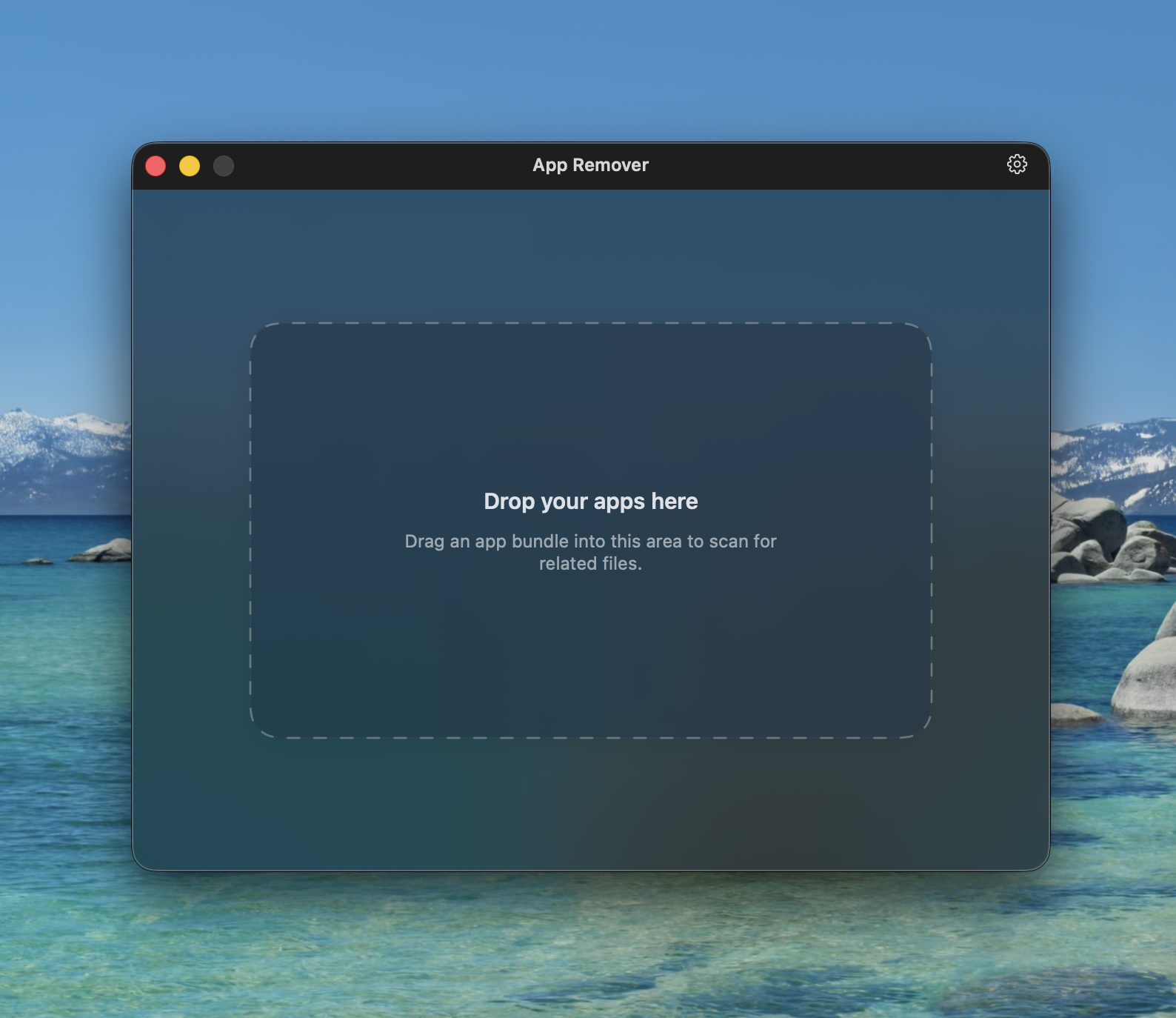
Drag-and-drop start
Begin with a gesture that already feels like Mac.
A generous drop target gives users a clear first step before App Remover searches for related files.
App Remover for macOS
A focused Mac utility for finding app leftovers, reviewing every file, and using Touch ID as a secure confirmation step to help prevent accidental removals.
Version 1.3 is available from GitHub.

A Quints Mac utility
Drop an app, scan the usual Library locations, and use Touch ID as one last secure check so cleanup stays intentional.
Get to know App Remover.
Drag-and-drop start
A generous drop target gives users a clear first step before App Remover searches for related files.
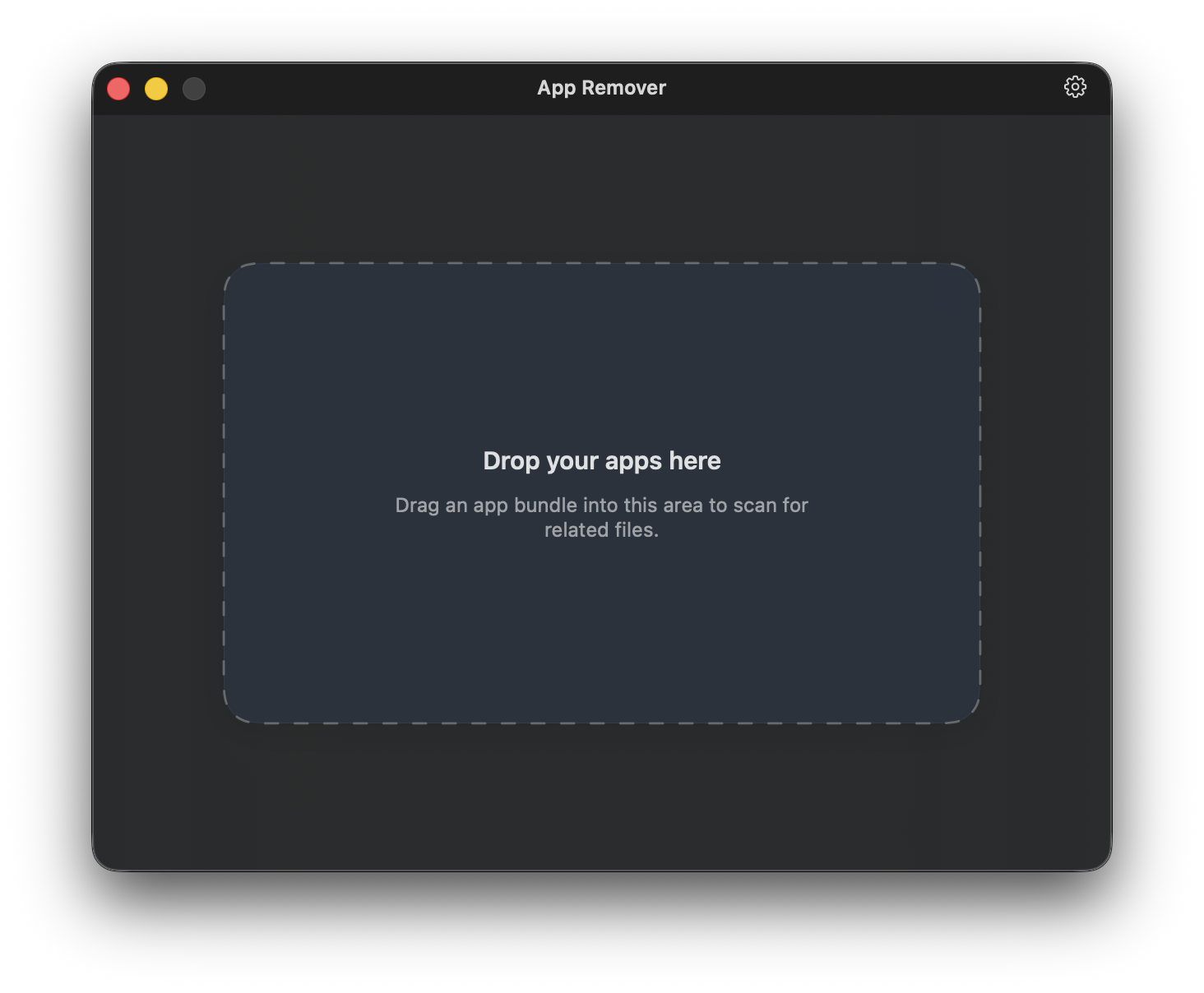
Workflow
Start from the Applications folder or anywhere Finder can drag from.
See related support files, caches, preferences, and sizes before removal.
Use Touch ID as a secure final check to help avoid accidental removals.
Interface
Large continuous surfaces, generous corner radii, and subtle depth put the app UI forward without making the page feel busy.

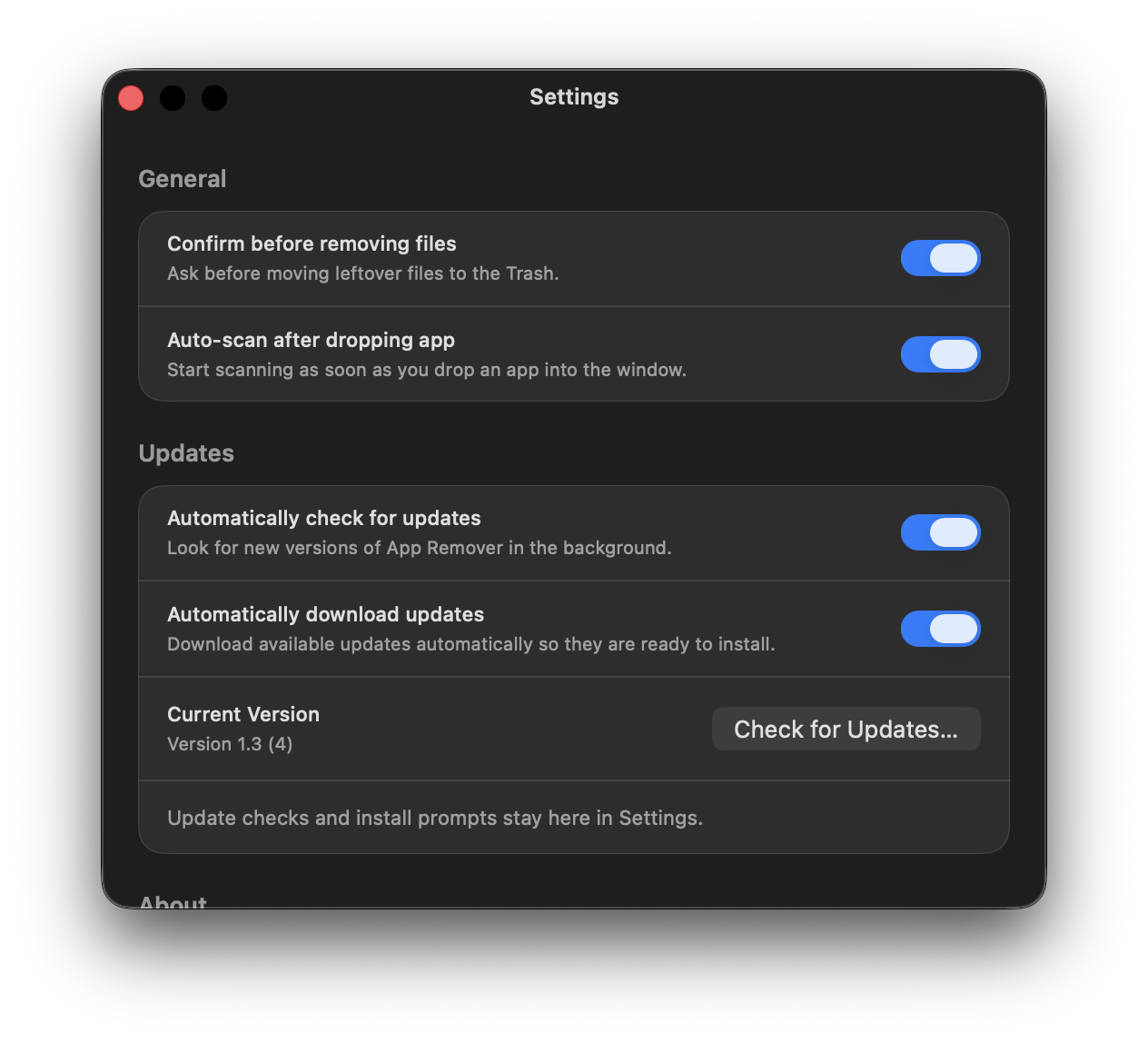
Settings
Touch ID, confirmation, and auto-scan choices are framed like native macOS settings.
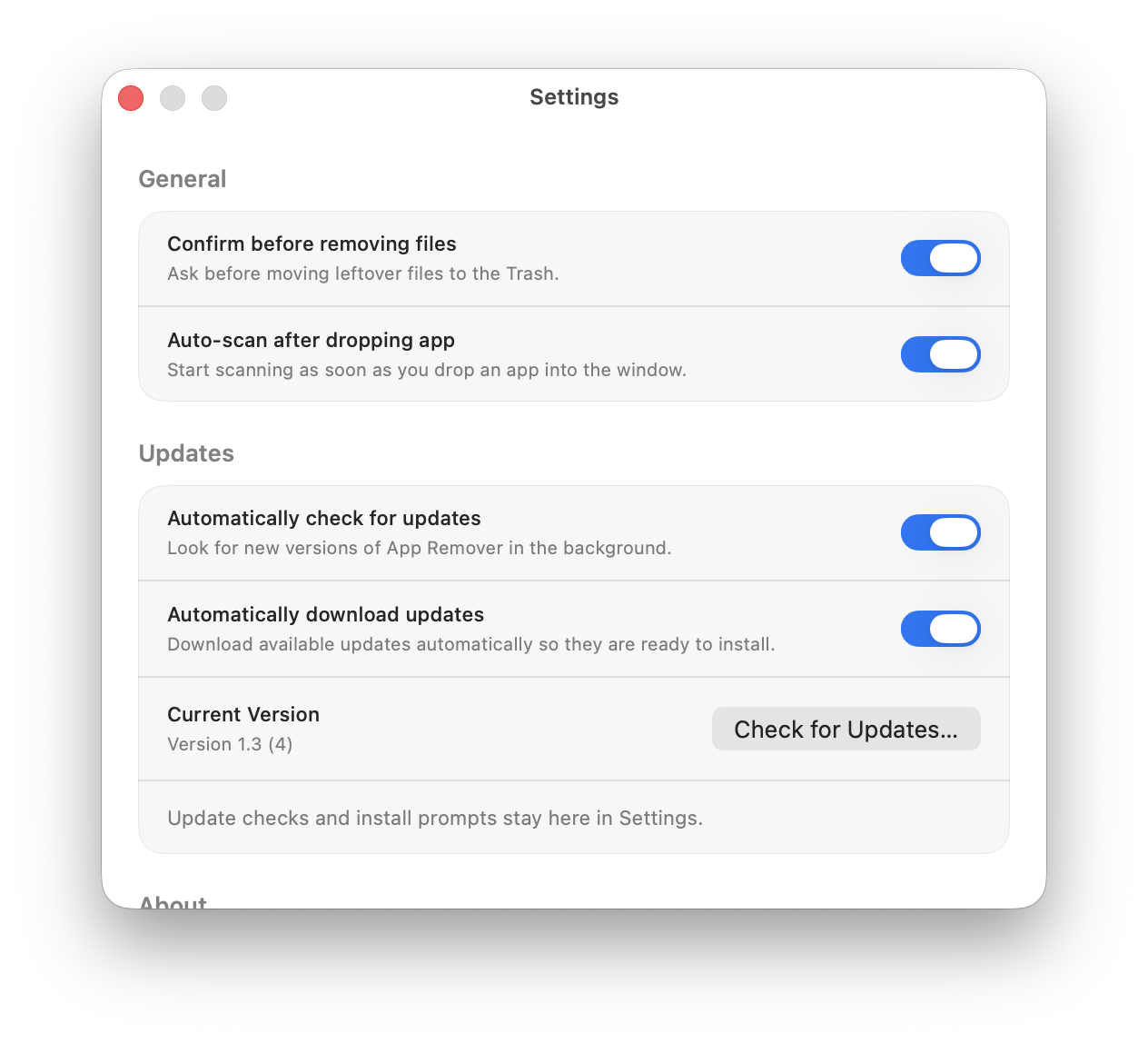
Touch ID
App Remover can ask for Touch ID before cleanup continues, helping prevent accidental app cleanup.

GitHub releases
When a new release ships with a DMG asset, the website points users to the latest GitHub download automatically.
Ready for Mac
The button links to the latest DMG asset detected in the AppRemover GitHub releases. If GitHub cannot be reached, it falls back to v1.3.